Murphy gets the whole job.
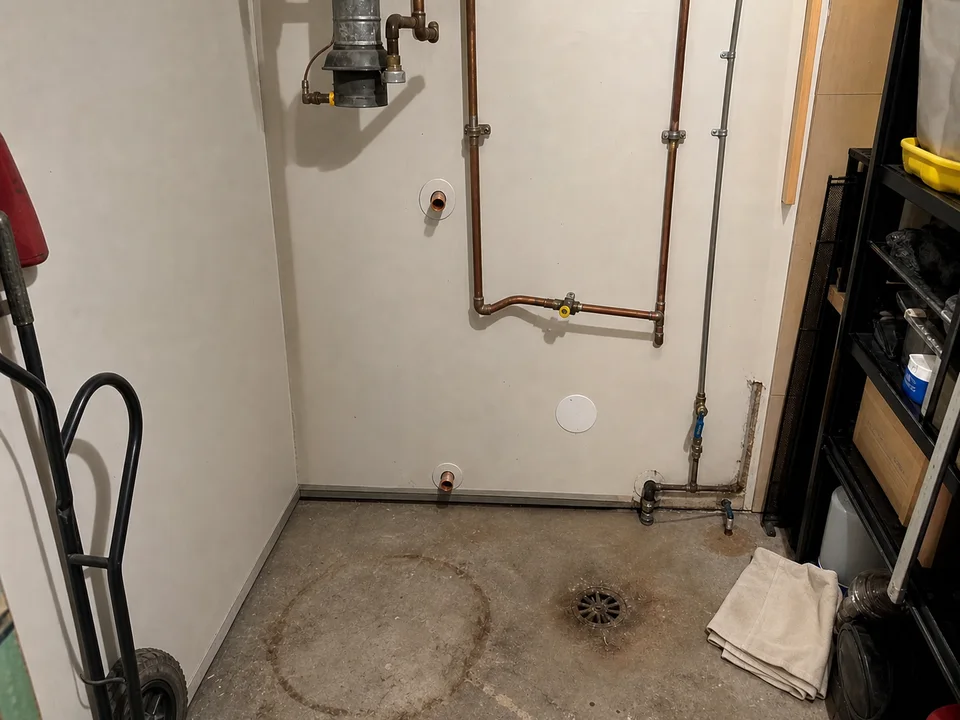
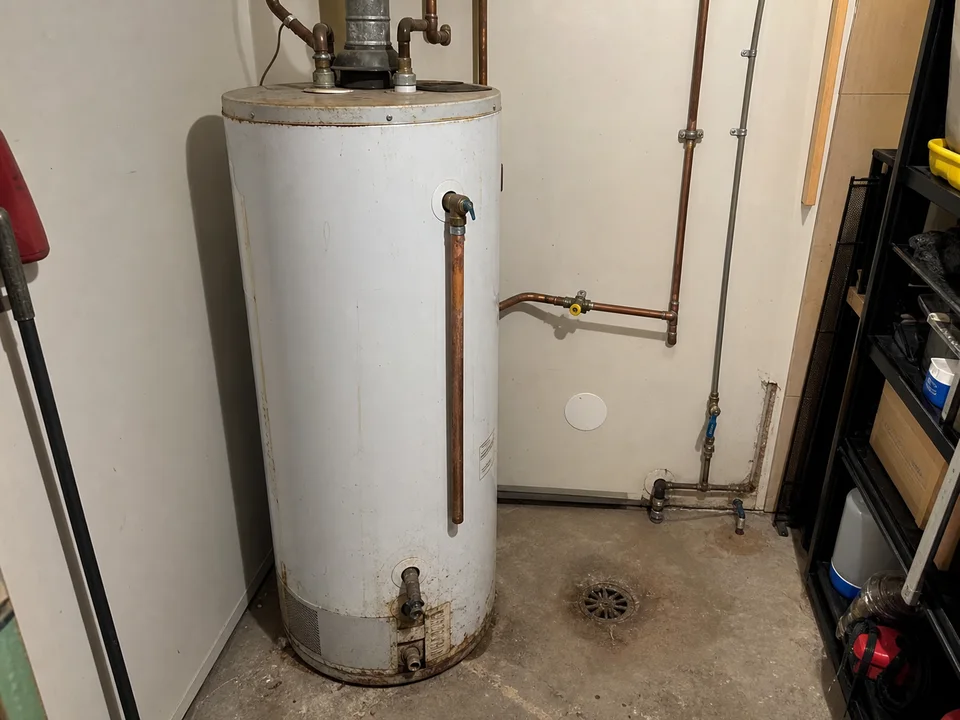
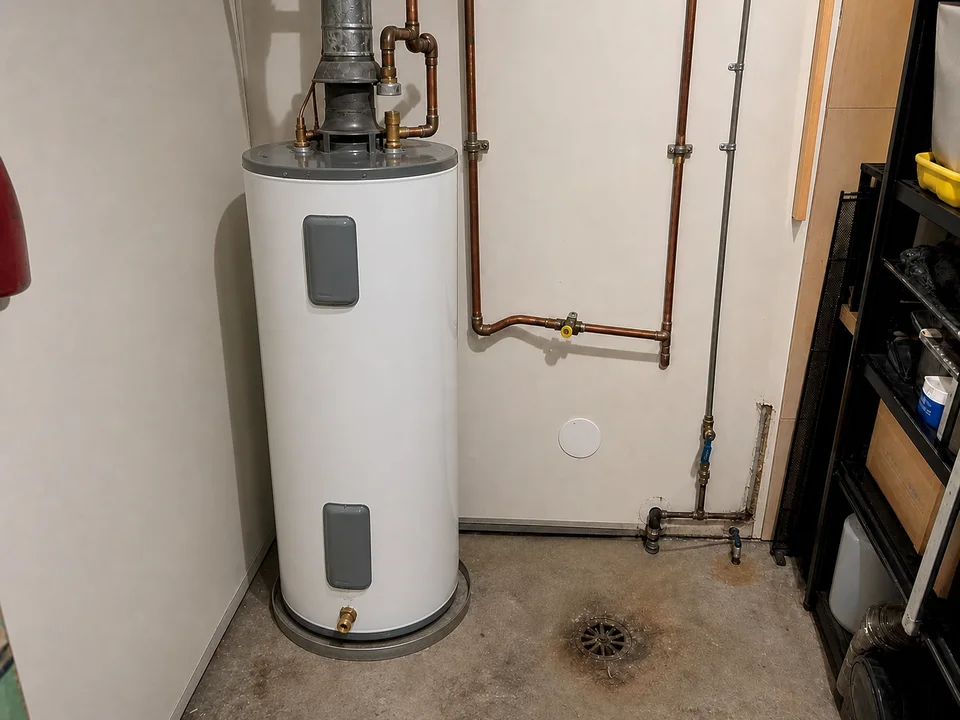
He answers, gets the address, asks what’s wrong and how urgent it is, then asks the customer to text a photo of the tank.
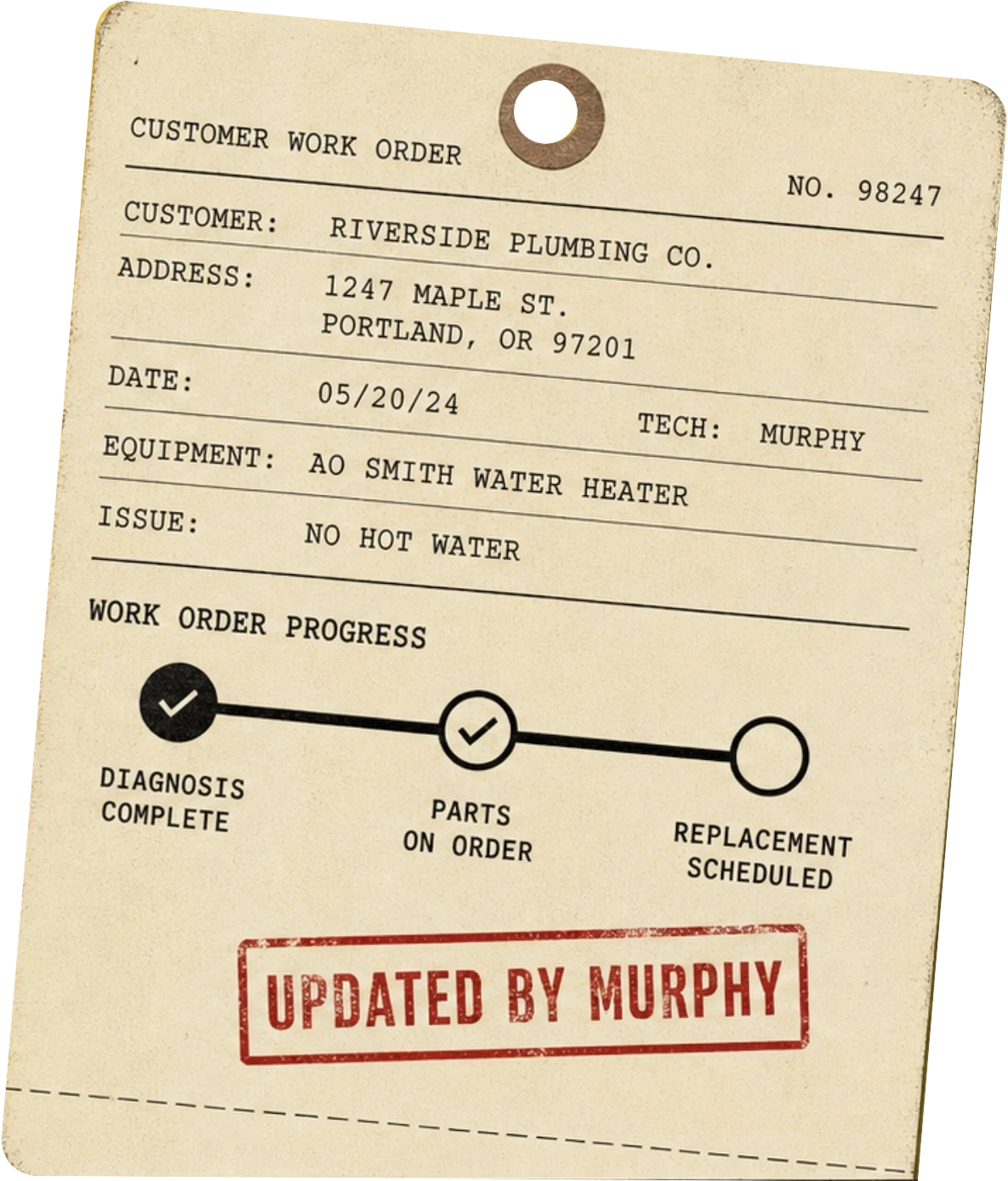
Murphy keeps a live record of the job while you do the work. Send him a rough text, photo or voice note. Your customer gets a clean update under your name.
No customer account. No portal password. No second round of paperwork for you.
The live work order Murphy keeps updated.
One job · from the first ring to done
Mrs. Larson has no hot water. You’re already on another job. Here’s what happens next.
He answers, gets the address, asks what’s wrong and how urgent it is, then asks the customer to text a photo of the tank.
New job filed — Mrs. Larson, no hot water, wants Tuesday AM. Reply YES to book · NO · CALL THEM
YES
Booked Tue 8–10. Calendar updated. Customer texted.
Their live work order arrives by text. It opens in the browser, already under the trade’s name.
Your shop · Job update Your visit is booked for Tuesday, 8–10 AM →Send whatever’s easiest—a text, photo or voice note. Murphy turns each one into the same clean update.
“Tank is shot. New one Tuesday. Took a few photos.”
Photo attached · utility room
The water heater needs replacement. Installation is scheduled for Tuesday morning. Photos from today’s visit have been added to the job.


A photo goes on the work order. The next step changes. The customer gets notified without another round of phone tag.
The completed record stays with the job: what happened, the photos, the warranty date and what comes next.
DONE
Filed. Customer updated. Warranty date saved. Review ask is ready.
Your hot water is back.
The customer gets the organized, attentive experience of a much bigger shop. You don’t inherit a second admin job to provide it.
Don’t take the page’s word for it
Give us your shop and one kind of job you handle. We’ll show you what its live customer record looks like under your name.
We’ll build the sample under your shop’s name and send it your way.